// The short version
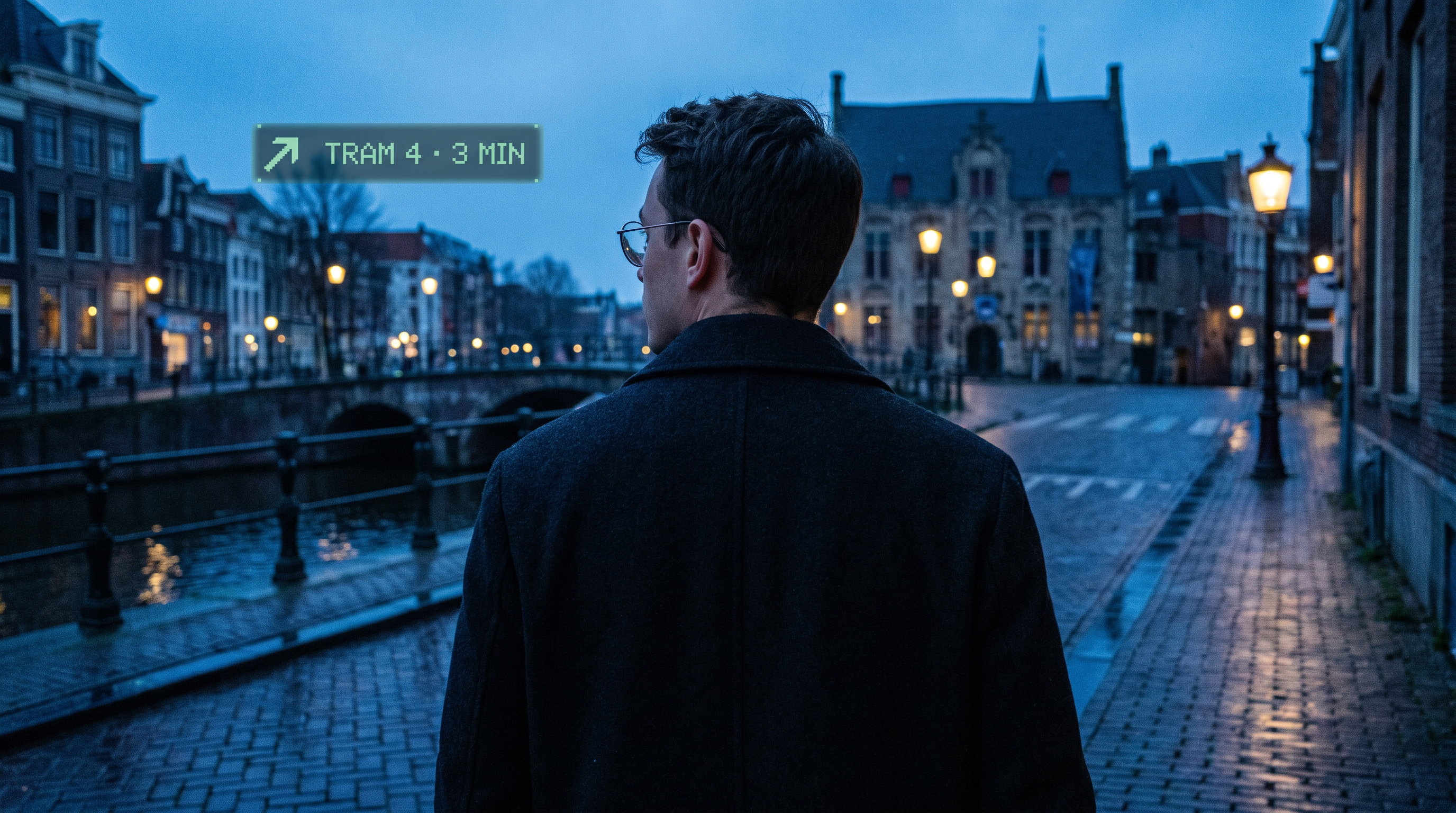
- Even G2 is display-only smart glasses: a monochrome green HUD, four mics, touchpads, an optional R1 ring — and deliberately no camera or speaker.
- Even Hub opened in April 2026 as the G2's app store and developer platform. Apps are web apps in TypeScript that run on your phone and draw on the glasses.
- The constraints are tight — text-first, glanceable, greyscale, silent. That's not a bug to work around. It's the design brief.
At Verticar we spend most of our time building for cameras. Snapchat Lenses see your face. Spectacles see your room, your hands and the objects on your kitchen counter. The entire AR stack we grew up on assumes the device can look at the world.
Even Realities made the opposite bet. Their G2 glasses can't see anything at all. They can't play a sound either. What they can do is put a few lines of crisp green text in the corner of your vision, and take them away again the moment you're done — while looking exactly like a normal pair of glasses.
Since the G2 shipped in November 2025, that bet has gone from niche to a genuine platform. Even Hub, the G2's app store, opened to the public in April 2026 with around fifty apps and more than two thousand developers behind it. So we dug through the SDK, the docs and the first year of apps to answer a practical question: what can you actually build for these glasses today?
The hardware, in one table
The G2 is less a computer than a screen with a few good sensors attached. The phone does the thinking; the glasses show the result; the ring (or the temple touchpads) decides what happens next.
Display
Dual micro-LED, 576 × 288 px per eye
Colour
Monochrome green · 16 levels
Input
Temple touchpads + optional R1 ring
Gestures
Press · double press · swipe up/down · long press
Audio in
4-mic array · 16 kHz PCM
Camera / speaker
None
Sensors
IMU (head orientation & motion)
Link / compute
Bluetooth LE 5.2 · your phone
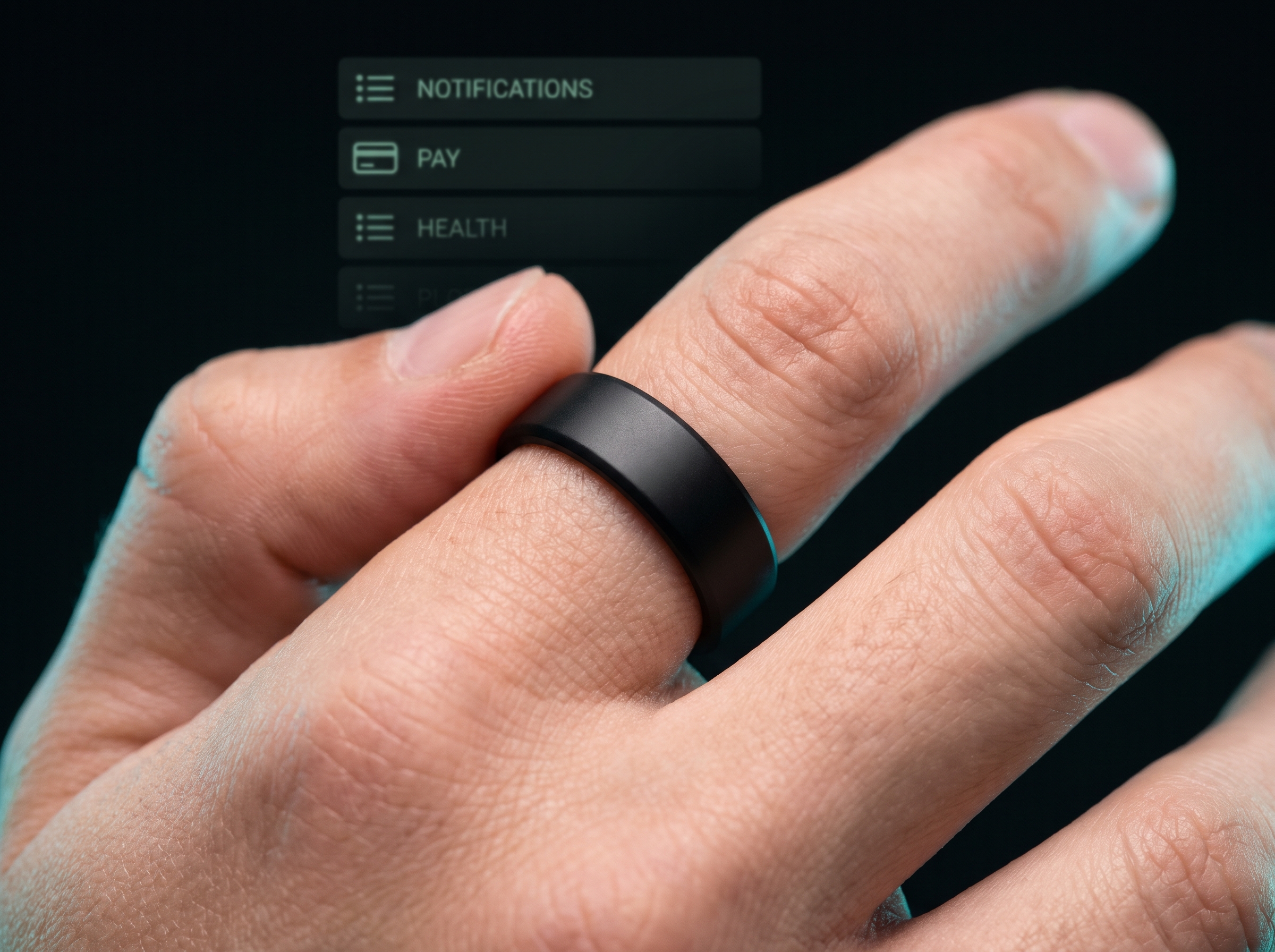
Pricing starts at $599, and in late October the tortoiseshell Brown 2 colourway arrived at $649 alongside the v2.4.0 software update (Even AI 2.0, a personal Knowledge Base and Conversate Pro Mode). The R1 ring is optional on paper — but according to CEO Will Wang, roughly nine in ten G2 owners chose it.
No camera. No speaker. On purpose.
✕ Camera
✕ Speaker
✕ Recording light
✓ Display
✓ Mics, permission-gated
Every other major smart-glasses roadmap is converging on the same recipe: a camera, open-ear speakers and a voice assistant. Even Realities has spent two product generations refusing that recipe — and in 2026 they turned the refusal into a public position.
"From day one, even with the first-generation G1, we never had a camera."
— Will Wang, Founder & CEO, Even Realities, to Tom's Guide · July 2026
In October, Wang went further with an open letter on the Even Realities blog arguing for temporary restrictions on camera glasses in public until proper guardrails exist. His case: glasses don't need a camera to be useful today, the people around the wearer never consented to being filmed, and the camera's real customer is often the AI training pipeline rather than the person wearing it.
You don't have to agree with the politics to see what it does to the design space. The official developer docs put it plainly: the missing camera and speaker aren't an oversight, they are the point. Three things follow from that for anyone building on the platform:
- The world can't be your input. No object recognition, no scene understanding, no "point and ask". Your app knows what the user tells it — by voice, by gesture, by location, or through data you fetch.
- Silence is the output. There's no audio channel back to the wearer. Every confirmation, alert and answer has to work as a few words of text. Nobody nearby hears your app, ever.
- Privacy is a permission, not a promise. Hub apps run sandboxed. If your app wants the microphone, it declares it and the wearer grants it. Same for location, network and the phone's own camera or photo album.
That last point matters for honesty: the G2 isn't sensor-free. It has a four-mic array, and that's what powers live transcription, translation and Even's AI. Through the SDK you can even ask the phone to take a single photo. What the glasses never do is watch the room or talk back to it. For brands and clients that are nervous about smart glasses, that distinction is easy to explain — and easy to sell.
Even Hub: the platform
Even Hub lives as a tab inside the Even Realities phone app. Owners browse, install over the air in seconds, and the app appears on the glasses. On the developer side, Even invited a first group of builders in January 2026, ran an early-access pilot, and opened submissions to everyone in spring. SDK access is free.
The architecture is the clever part. A Hub app never runs on the glasses. It's a web app — HTML, CSS and TypeScript — running in a WebView inside the Even Realities app on your phone. The SDK is the bridge: it turns your code into display containers on the lenses, and turns taps, swipes and mic audio back into events in your code.
Decides
R1 ring
- Press · double press
- Swipe up · swipe down
- Long press & release
→gestures
Shows
Even G2
- 576×288 green canvas
- 4 mics · IMU
- Temple touchpads
⇄BLE 5.2
Thinks
Phone
- Your web app + SDK
- Network · GPS · storage
- Phone mic / camera
Phone thinks · glasses show · ring decides
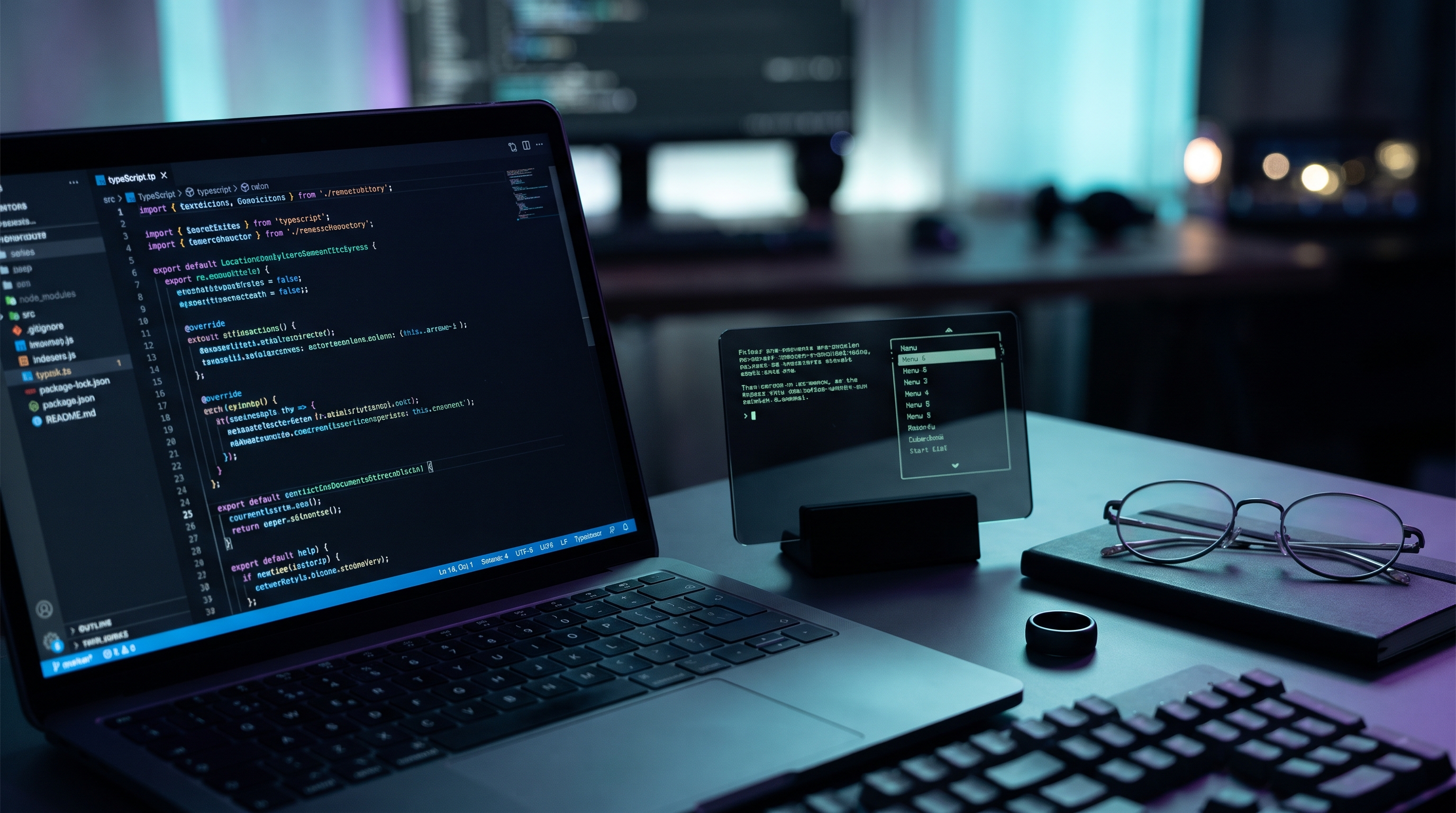
For a studio like ours this is a big deal. There's no proprietary engine to learn and no native toolchain. Anyone who can ship a Vite or React app can ship a G2 app — and AI coding agents are already very good at exactly that stack. Even's own docs even include a guide for building with Claude Code.
The tooling
@evenrealities/even_hub_sdk — the TypeScript bridge to the glasses.@evenrealities/evenhub-simulator — a desktop simulator that renders your app the way the lenses would. You can build without owning a pair.@evenrealities/evenhub-cli — QR-code preview on real hardware, packaging, uploads, beta testers.- .ehpk — a finished app is one single file you submit through the developer portal for review.
Today one surface is live: plugins — apps you open from the glasses. Three more are on Even's roadmap: dashboard widgets, dashboard layouts and AI skills. That last one is worth watching; it hints at third-party abilities plugged straight into Even's assistant.
The canvas
Here's where you meet the real G2. The glasses don't render HTML. You compose each screen from a handful of SDK containers — text, lists and images — placed by absolute pixel coordinates on a 576 × 288 canvas. No CSS, no flexbox, no DOM. Roughly, a screen looks like this:
EVEN HUB
> Transit board
Reader
Interval timer
Chess
Stocks
TRAM 4
3 MIN
Beurs → Centraal
next: 11 min
image container
max 288 × 144
Mock-up of a G2 screen: one list container capturing input, two text containers, one image container
The rules that shape every app on the platform:
| Element | Limit | What it means |
|---|
| Containers per screen | 4 img + 8 other | Exactly one of them receives input. Design around a single active target. |
| Text | ~400–500 chars | Fits a full-screen text box. One firmware font, no sizes, no bold, left-aligned. Five brightness levels for hierarchy. |
| Lists | 20 × 64 chars | Native scroll and highlight, handled by firmware. No per-item styling. |
| Images | 288 × 144 px | 4-bit greyscale, sent after the page exists. A full-screen refresh takes roughly 800 ms — no animation. |
| Input | 5 gestures | The same grammar on the temples and the ring. Users already know how to drive your app. |
The SDK is just as clear about what it won't give you: no arbitrary pixel drawing, no audio output, no font control, no background fills, no animations and no direct Bluetooth access. Enterprise and government projects that need deeper hardware access can talk to Even directly — the public SDK is tuned for consumer plugins.
What the code looks like
A minimal app: one full-screen text container that responds to a double press.
main.tsEven Hub SDK
import { waitForEvenAppBridge, OsEventTypeList, TextContainerUpgrade }
  from '@evenrealities/even_hub_sdk'

const bridge = await waitForEvenAppBridge()

// One text container, full canvas, capturing input
await bridge.createStartUpPageContainer({
  containerTotalNum: 1,
  textObject: [{
    xPosition: 0, yPosition: 0, width: 576, height: 288,
    containerID: 1, containerName: 'main',
    content: 'Next tram: 4 min',
    isEventCapture: 1,
  }],
})

// Double press on temple or ring → update in place, flicker-free
bridge.onEvenHubEvent(async (event) => {
  if (event.textEvent?.eventType === OsEventTypeList.DOUBLE_CLICK_EVENT) {
    await bridge.textContainerUpgrade(new TextContainerUpgrade({
      containerID: 1, containerName: 'main',
      content: 'Refreshing...',
    }))
  }
})
Everything else is regular web development: fetch your data, keep state in your framework of choice, and push short strings to the glasses. Device APIs cover mic capture (from the glasses or the phone), one-shot and continuous GPS, the IMU, the phone camera and photo album, battery and wear status, and local storage.
What you can build right now
The first year of Hub apps already shows where the platform shines. Every one of these categories works within today's SDK.
Even's own first-party features point the same way. Conversate listens to a conversation and surfaces short cues; Prep Notes lets you feed it documents beforehand. And Terminal Mode, added in the spring, shows whether your AI coding agents are running, blocked or waiting — and lets you approve their next step with a tap on the ring. It's a perfect example of the platform's sweet spot: a tiny amount of high-value status, delivered without pulling you back to a screen.
And just as useful: what not to pitch. Anything that needs to see the world (try-ons, object recognition, visual AI), anything that relies on sound (audio guides, music cues), anything that needs motion or colour to land (video, brand animation). Those belong on Spectacles or in a Lens — not here.
Designing with less: our working rules
Coming from Lenses and Spectacles, where the canvas is your whole field of view, the G2 asks for a completely different reflex. These are the rules we're designing by.
01
Two-second reads
If it takes longer than a glance, it belongs on the phone. Lead with the one number or word that matters.
02
One active target
Only one container listens to input. Every screen should have one obvious thing your thumb is about to do.
03
Typography is the brand
No logos in colour, no motion. Tone of voice, rhythm and wording carry the identity — copywriting becomes the design work.
04
Silent by default
Assume the wearer is in a meeting, a museum or a conversation. Feedback is a word changing, not a beep.
05
Ask only for what you use
Declare the minimum permissions. A no-mic app is a trust story you can put in the pitch deck.
06
Get out of the way
The best G2 moment ends with the display going dark and the person back in the room.
Getting started in an afternoon
- Set up the phone side. Install the Even Realities app, then sign in at hub.evenrealities.com with the same account. A developer section appears in the app's Even Hub tab.
- Install the tooling. Node.js plus the SDK, simulator and CLI from npm. Start from one of Even's templates or a plain Vite project.
- Build in the simulator. Point
evenhub-simulator at your dev server and iterate on your laptop — no glasses required.
- Preview on real hardware.
evenhub qr gives you a code to scan; the app loads straight onto your G2.
- Pack, test, submit. Package to a single
.ehpk, invite beta testers, then complete the listing and submit for review in the developer portal.
The platform moves fast — SDK updates added long press, z-ordering and text brightness within a few months — so treat the official docs as the source of truth. The developer Discord is active and worth joining early.
Why this matters for brands
For most of the last decade, "AR for brands" meant spectacle: effects, try-ons, worlds. The G2 opens a quieter category — utility you can wear in public without anyone feeling watched. That fits places where camera glasses will struggle to get through the door: hospitals and care, finance, schools, live events, retail floors, meeting rooms.
Some briefs we'd love to build:
- Event companions — schedules, room changes and speaker cues for attendees or crew, controlled with the ring.
- Floor-staff tools — stock levels, order queues and customer notes for retail and hospitality, with zero cameras on the shop floor.
- Speaker & presenter kits — branded teleprompters and timers for keynotes and live hosts.
- Fitness & coaching — interval sessions and pacing cues for running clubs and gyms, glanceable mid-movement.
- Cultural text layers — subtitled tours and quiet museum guides that work without headphones.
The same studio skills apply — concept, UX, development — but with a constraint set that rewards restraint over volume. As an official Spectacles Ambassador, Verticar builds for camera-first AR every week. The G2 is the other half of the picture: display-first, private by design, and open to developers right now. We're building for both.
Got a use case that should live in the corner of someone's eye? Let's talk.
Specs and SDK details reflect the Even Hub documentation as of November 2026; the platform updates frequently. All images on this page are AI-generated illustrations, not official Even Realities product photography. Verticar is not affiliated with Even Realities.
Sources